AiWorkk AI

AI-powered work management

Ask questions about your work, build connected project boards, and turn live progress into dashboards your team can use.

From planning to execution in one workspace

AiWorkk brings project boards, workflow automation, dashboards, and AI tools together so teams can set up work and track what happens next.

Overview of AiWorkk AI features

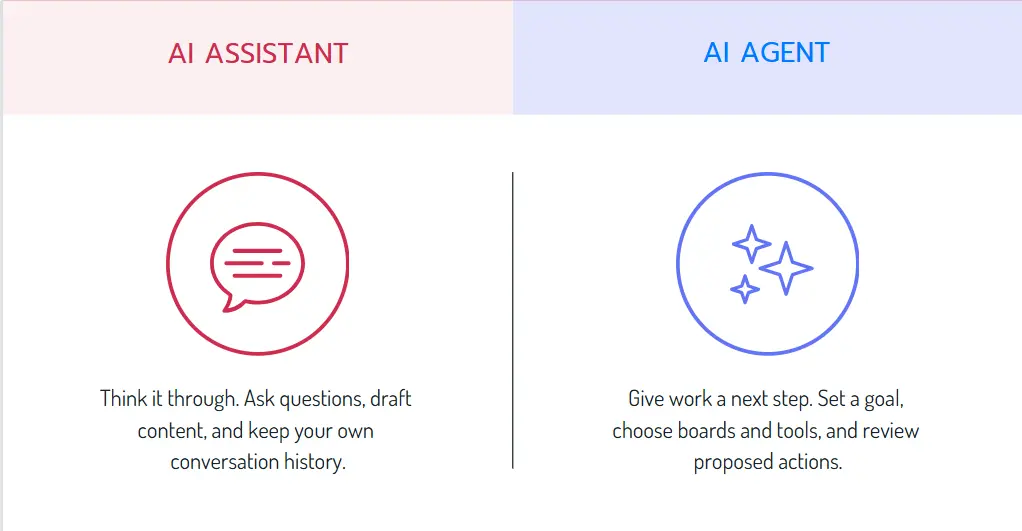
AI Assistants or AI Agents

AI Assistants are collaborative and reactive. It works with you step-by-step, responding directly to your prompts. AI Agents are autonomous and proactive.It operates independently with minimal human oversight, handling multi-step workflows across systems.

AI Assistants or AI Agents

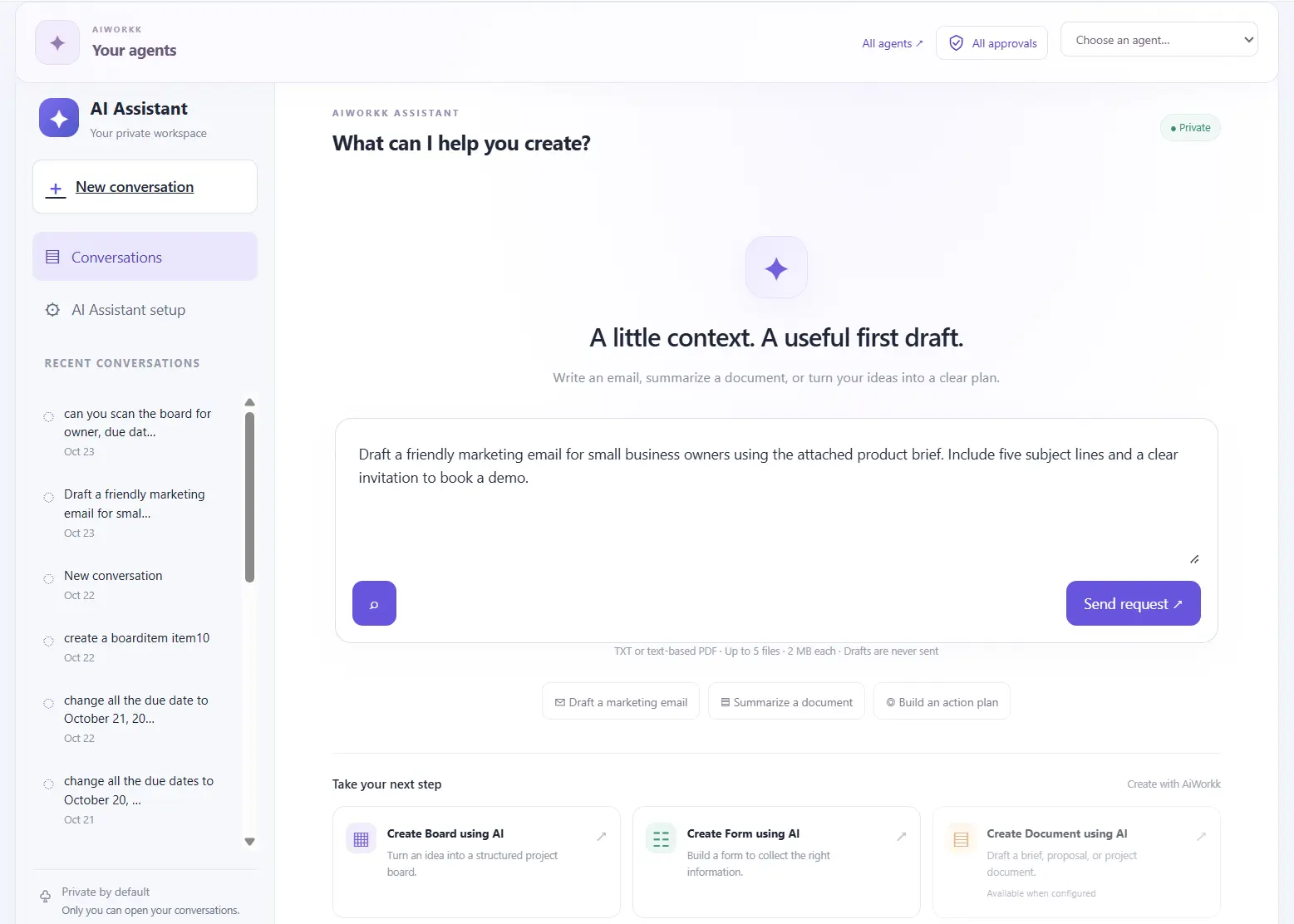
AI Assistant

Get answers from your boards

Use the Assistant in your private workspace to check deadlines, campaign progress, or missing information on selected boards.

Ask about the work in front of you

The Assistant references relevant board items and explains when the available information is incomplete.

  • “Which incomplete tasks are overdue?”
  • “Summarize progress on this campaign.”
  • “Which tasks are missing a due date?”
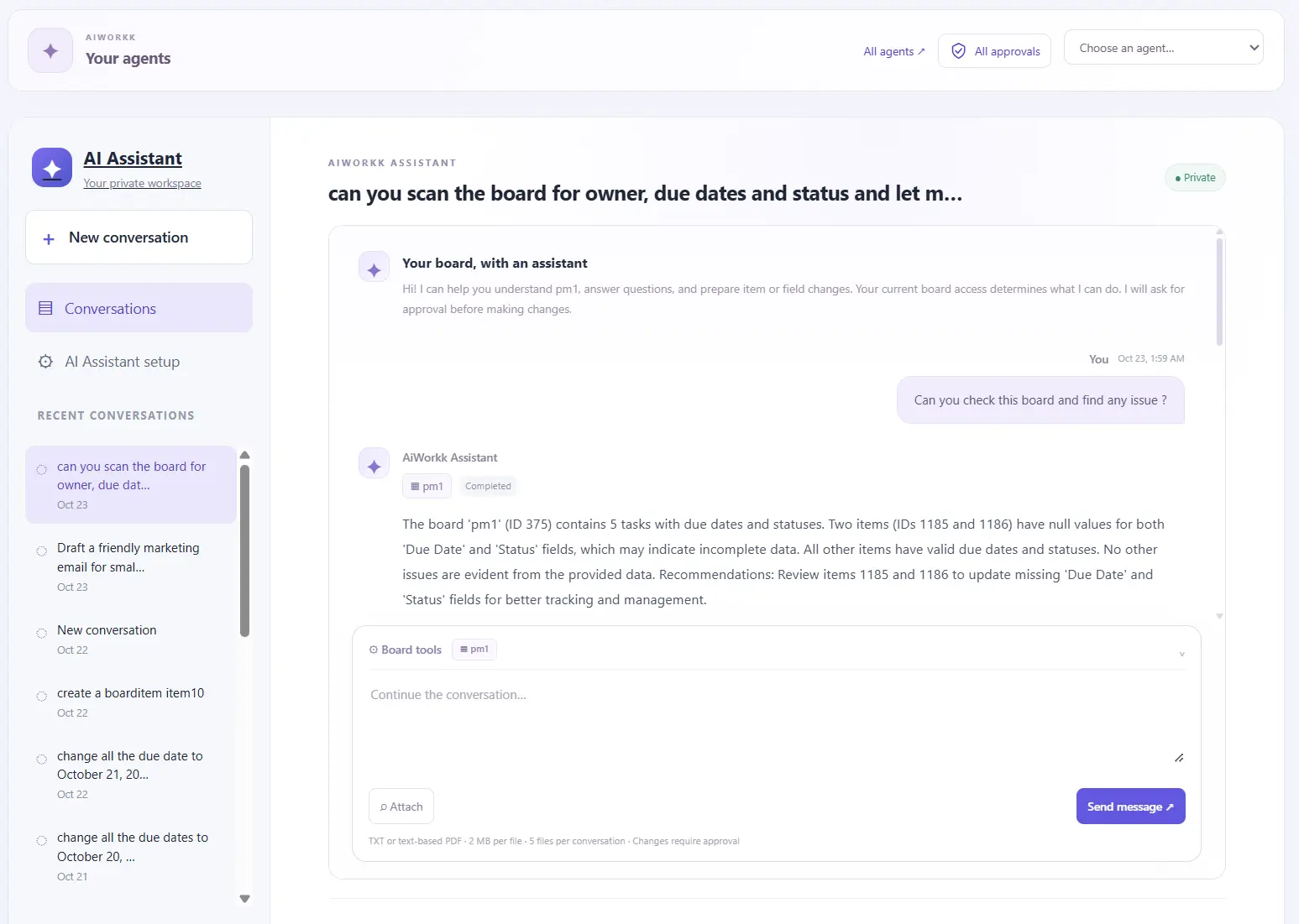
AiWorkk AI Assistant workspace

Review proposed task changes

Describe the tasks to create or the supported fields to update. Review the proposal in the conversation before applying changes that require approval.

“Update the due dates for the selected campaign tasks to November 6.”
AiWorkk Assistant conversation

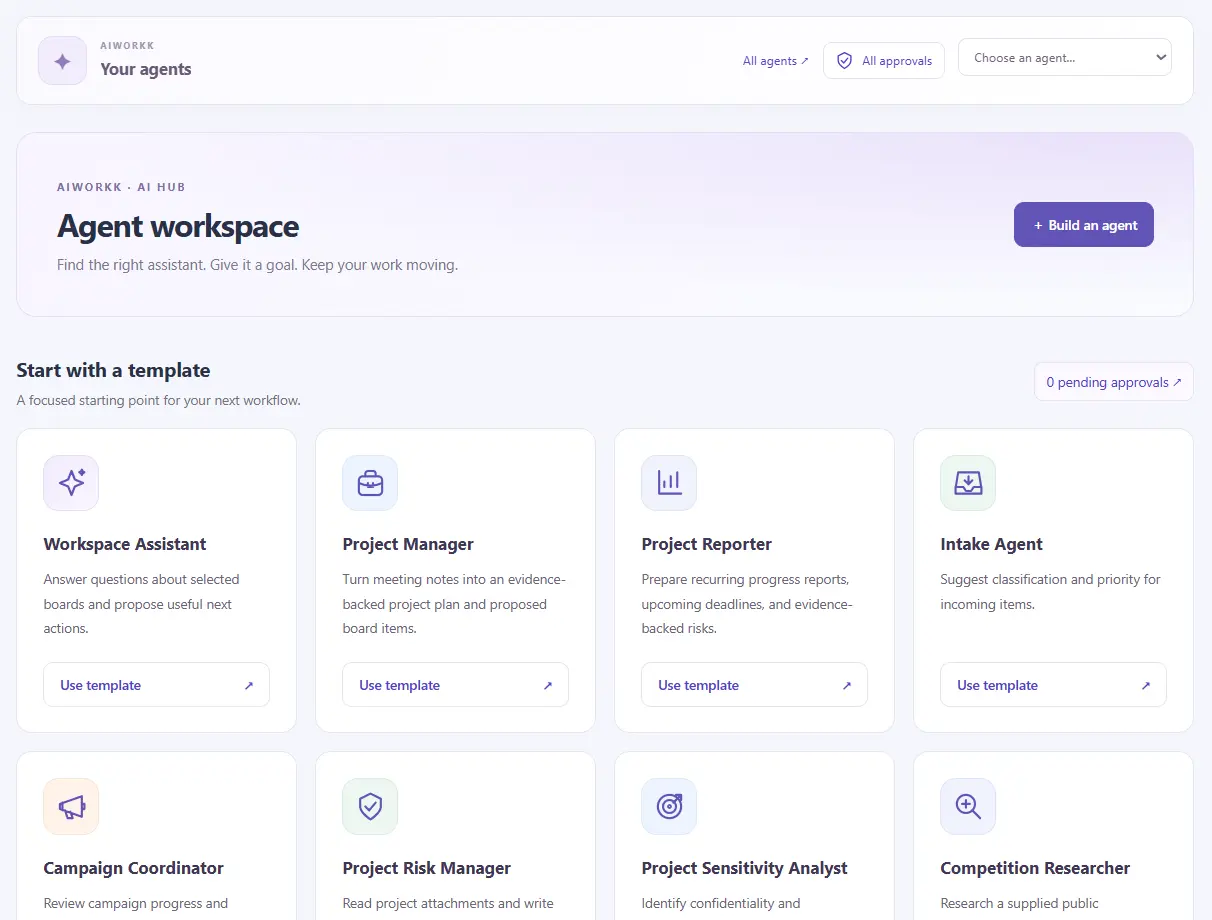
AI Agents

Set up agents for repeatable work

Give an agent a goal and instructions for project coordination, campaign operations, or board reviews. Choose its boards and the tools it can use.

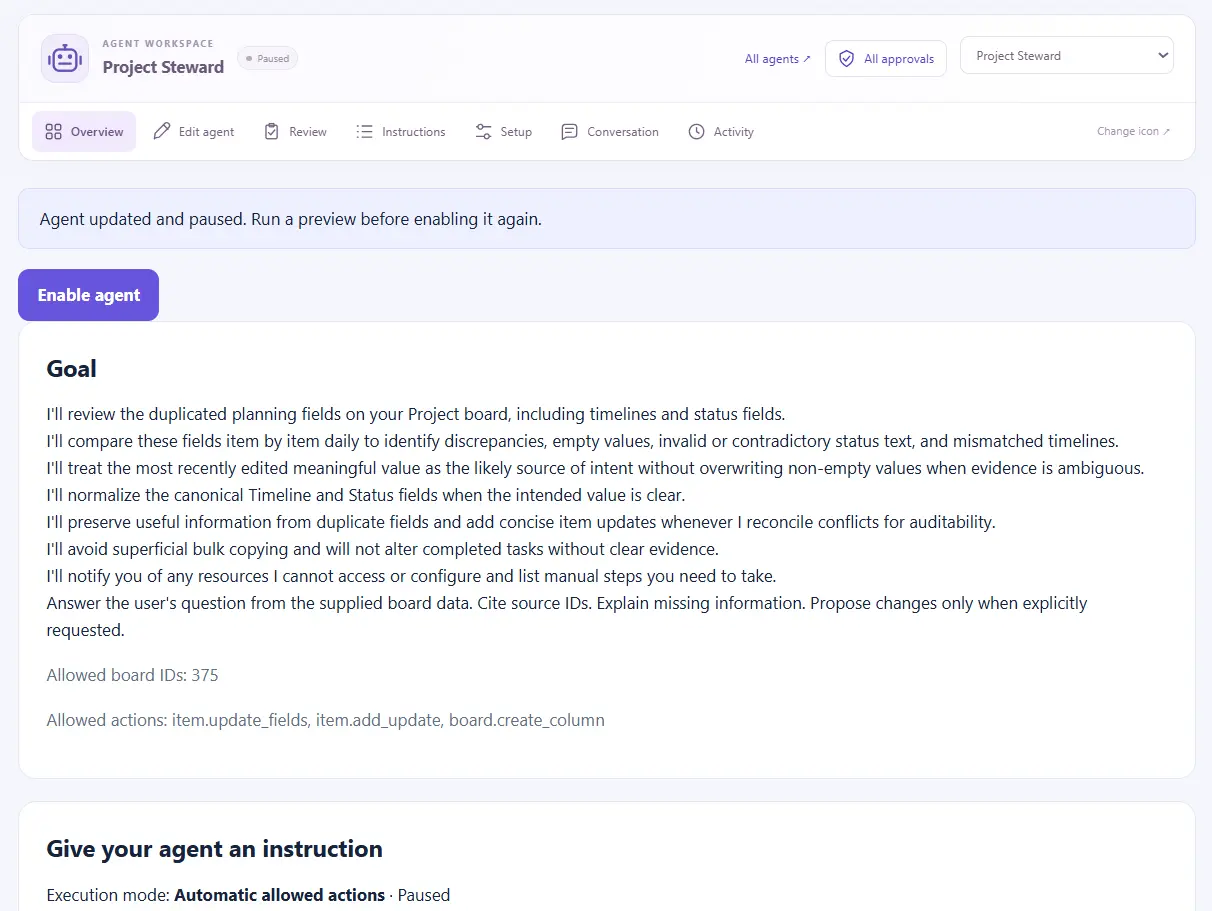
Choose how an agent runs

Set limits for each run and choose preview only, approval before execution, or automatic execution for eligible actions.

Board changes depend on owner permissions, allowed fields, and checks against the current records.

AiWorkk AI Agent hub

See what each run accomplished

Follow requests through the AI Hub. Compare the agent's report and source references with execution results to see which actions succeeded, failed, or were skipped.

AiWorkk agent run overview

Boards and columns

Build a connected workspace from a prompt

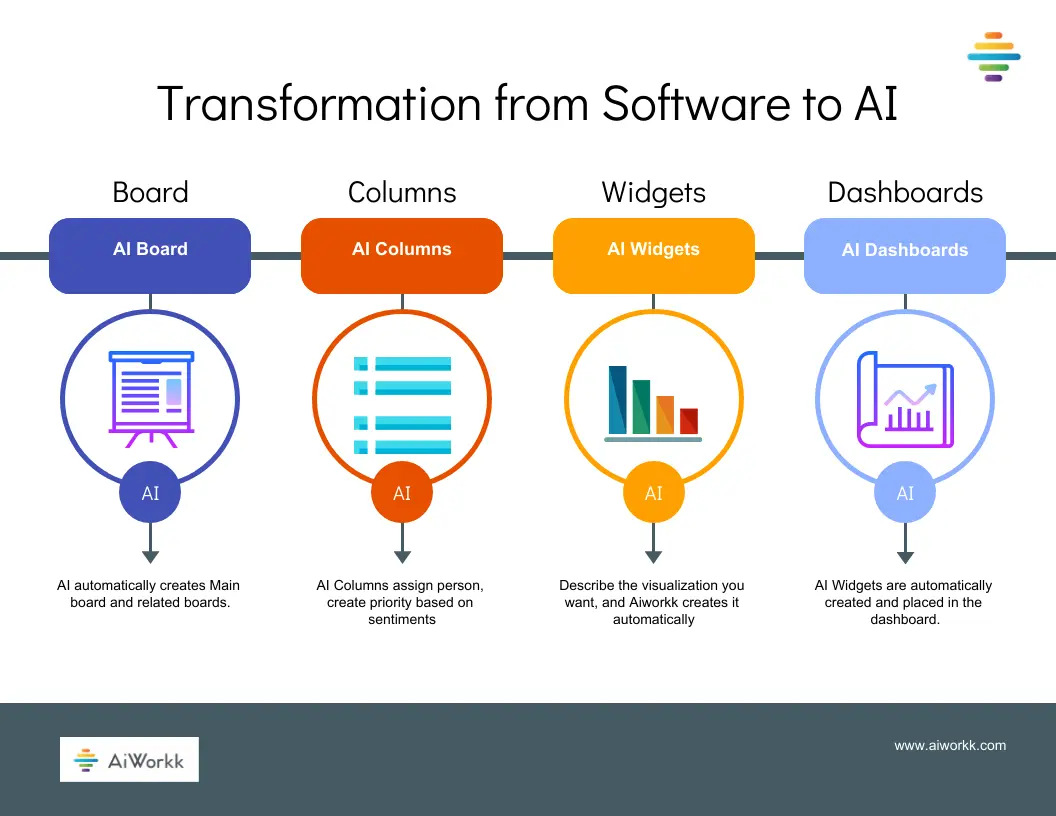
Describe your workflow in plain language. AiWorkk can create boards, groups, columns, starter tasks, and relationships that you can edit as the work evolves.

Create boards with AI

Start with an example prompt or describe your own project and its stages.

Create Board with AI prompt screen

Get a board overview

Review AI-generated summaries of task progress, timelines, and potential project risks.

Example board created with AiWorkk AI

Connect related boards

Generate a main board and related boards with starter items and links. Add your own data and adjust the structure as needed.

A main board and its related boards in AiWorkk

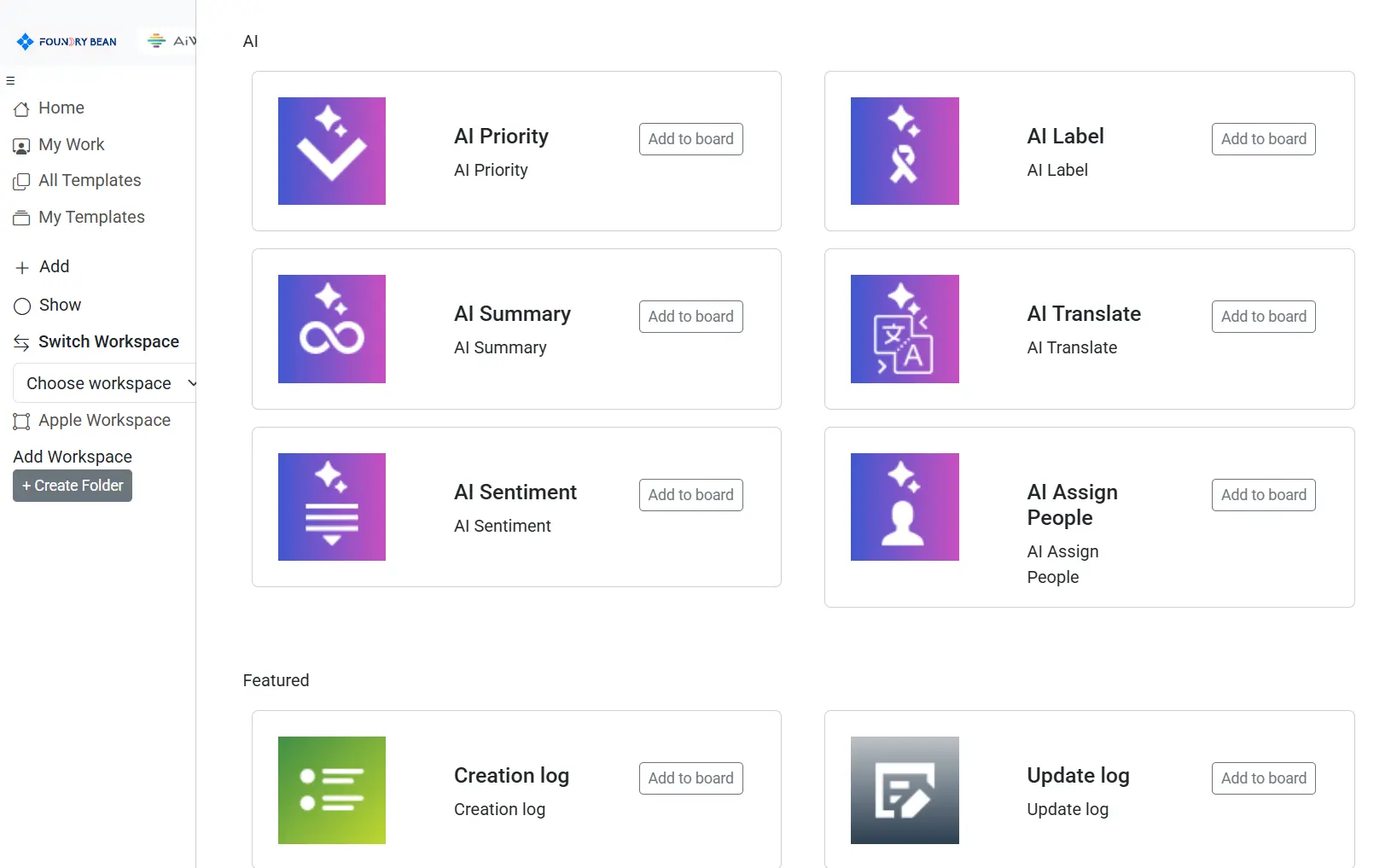
Put AI to work in columns

Use AI columns to summarize or translate text, detect sentiment or priority, and assign people. Configured actions run when their conditions are met.

AI column options in AiWorkk

Dashboards and widgets

Turn board data into project views

Build charts and dashboards around the questions your team needs to answer about progress, timelines, and risks.

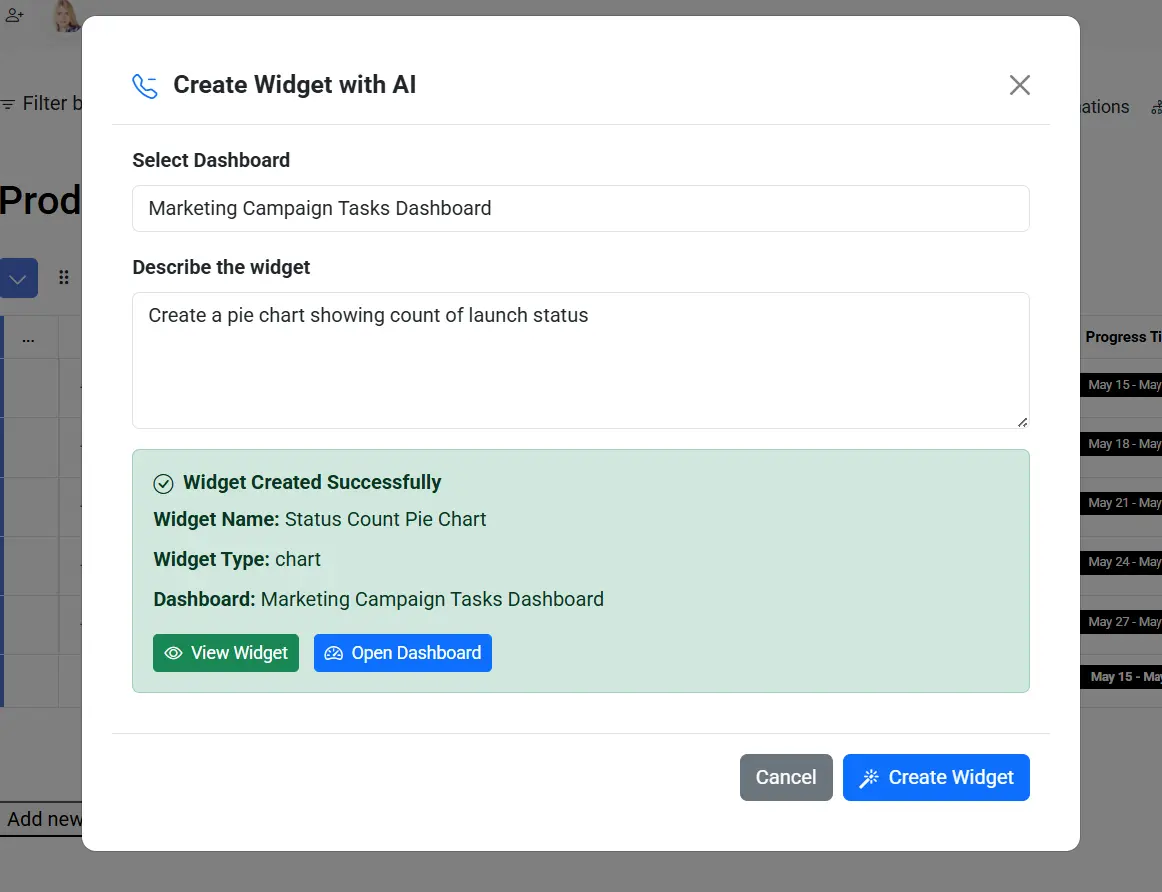
Describe the widget you need

Use the AI Widget Builder to create pie, bar, or line charts from a prompt.

“Create a pie chart showing how many projects are in each status.”
AiWorkk AI Widget Builder

Bring the views together

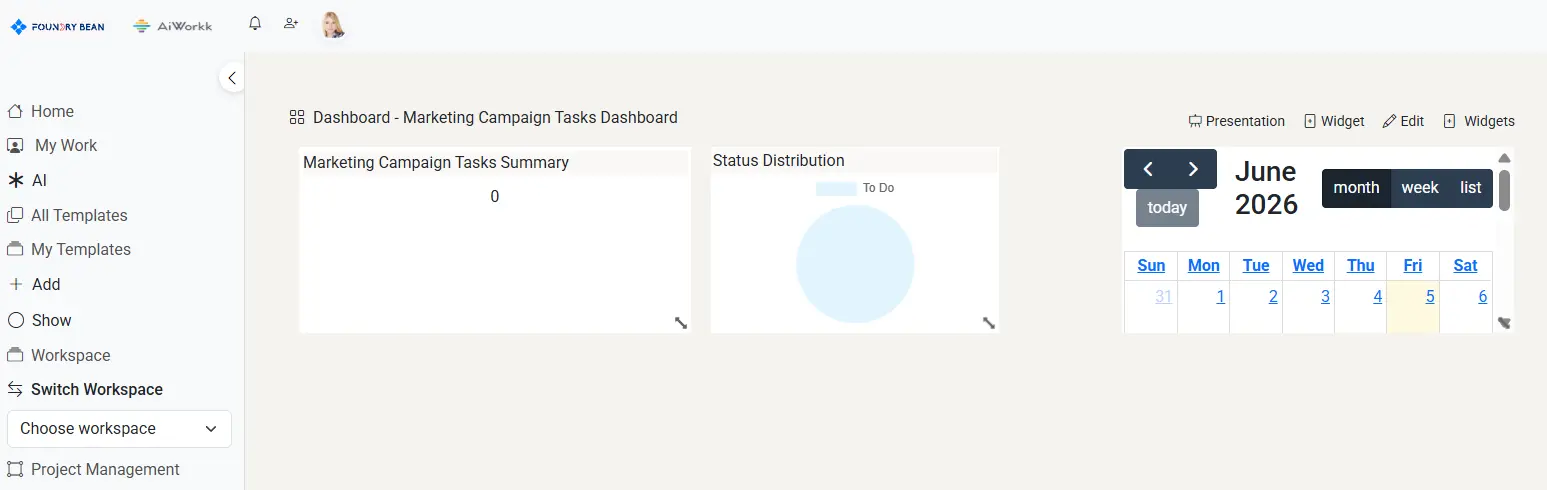
Add AI-generated widgets to the dashboard of your choice alongside widgets you create manually.

AiWorkk dashboard with AI-generated widgets

Keep your team working from the same plan

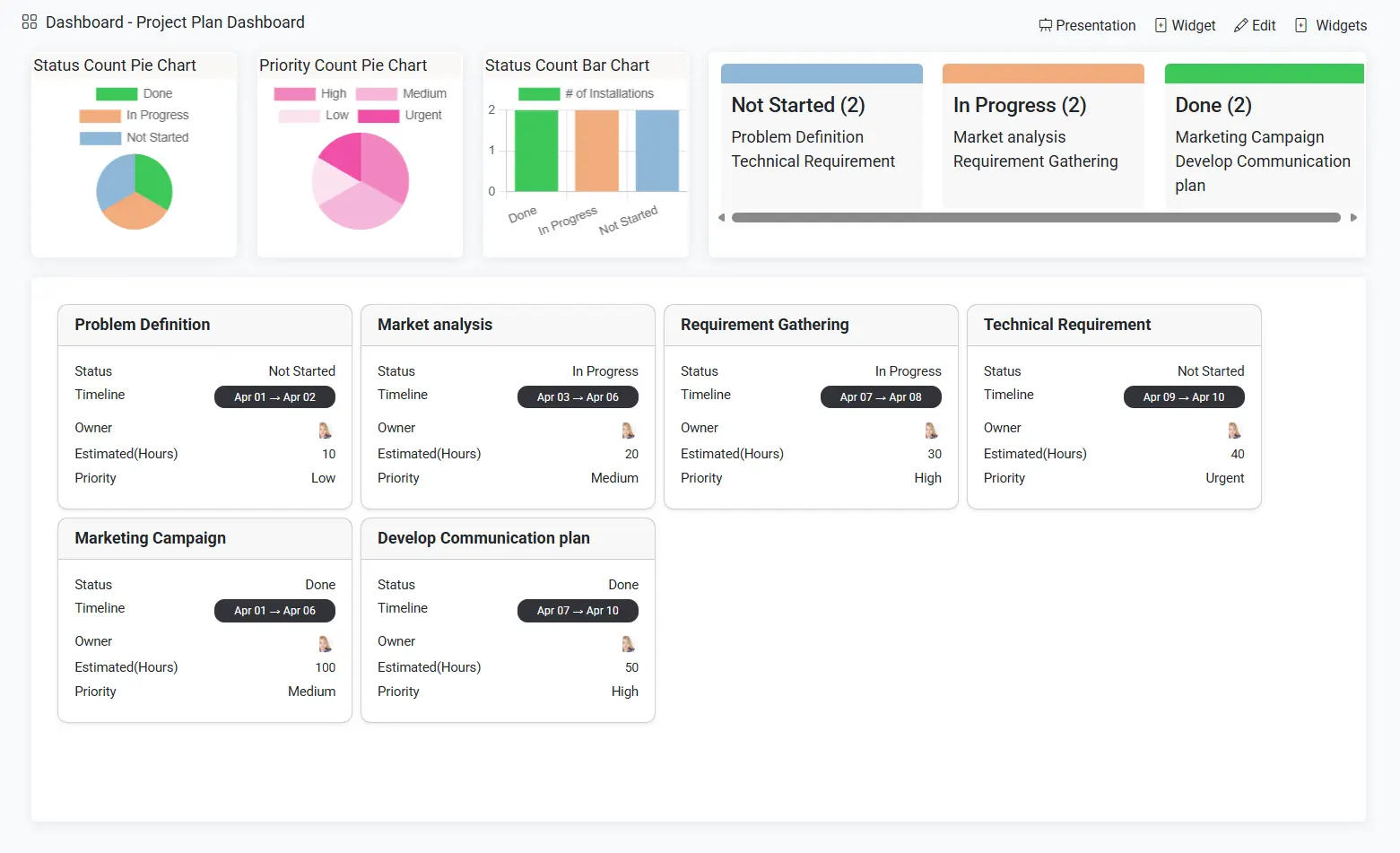
Start with a shared project board, use AI to help prioritize and summarize tasks, and give stakeholders a dashboard they can check as the work progresses.

AiWorkk project plan dashboard

Build your first workflow with AiWorkk AI

Start with a project you already manage or see how AiWorkk fits your team's process.